Cool Website Made With Opencode
Setting up Opencode with Ollama took a bit of effort, but thanks to documentation already written by p-lemonish I was able to get the right configuration going with a reasonably performant model, qwen3.5:9b.
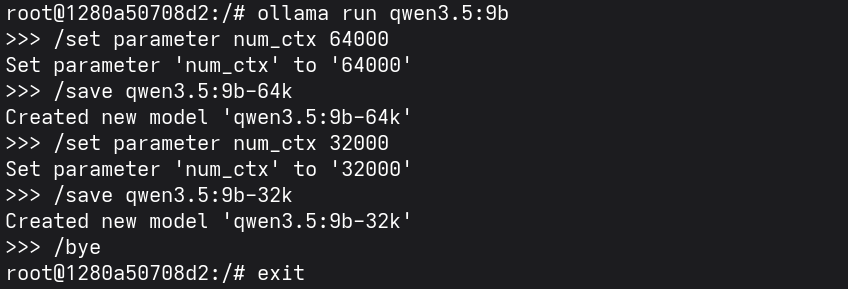 Modifying the context window setting of Qwen3.5:9b and saving as new configuration
I setup my opencode.json as follows to interface with my Open WebUI instance connected to Ollama:
{
  "$schema": "https://opencode.ai/config.json",
  "permission": {
    "glob": "allow",
    "ls": "allow",
    "read": "allow",
    "*": "ask",
  },
  "provider": {
    "open-webui": {
      "npm": "@ai-sdk/openai-compatible",
      "name": "Open WebUI",
      "options": {
        "baseURL": "http://192.168.0.104:3000/api",
        "apiKey": "<redacted>"
      },
      "models": {
        "qwen3.5:9b-64k": {
          "name": "qwen3.5 9b-64k - Ollama",
          "tools": true,
          "limit": {
            "context": 64000,
            "output": 8192
          }
        }
      }
    }
  }
}
I tried with Gemma4:26b but ran into issues with it being unable to run tools at lower context windows, and it failed to produce work with higher context windows. Qwen3.5:9b-64k seems to hit the sweet spot between model size and context window for the amount of VRAM my GPU has.
After setting the opencode.json config file, start opencode and use ctrl + x then m to select your new model.
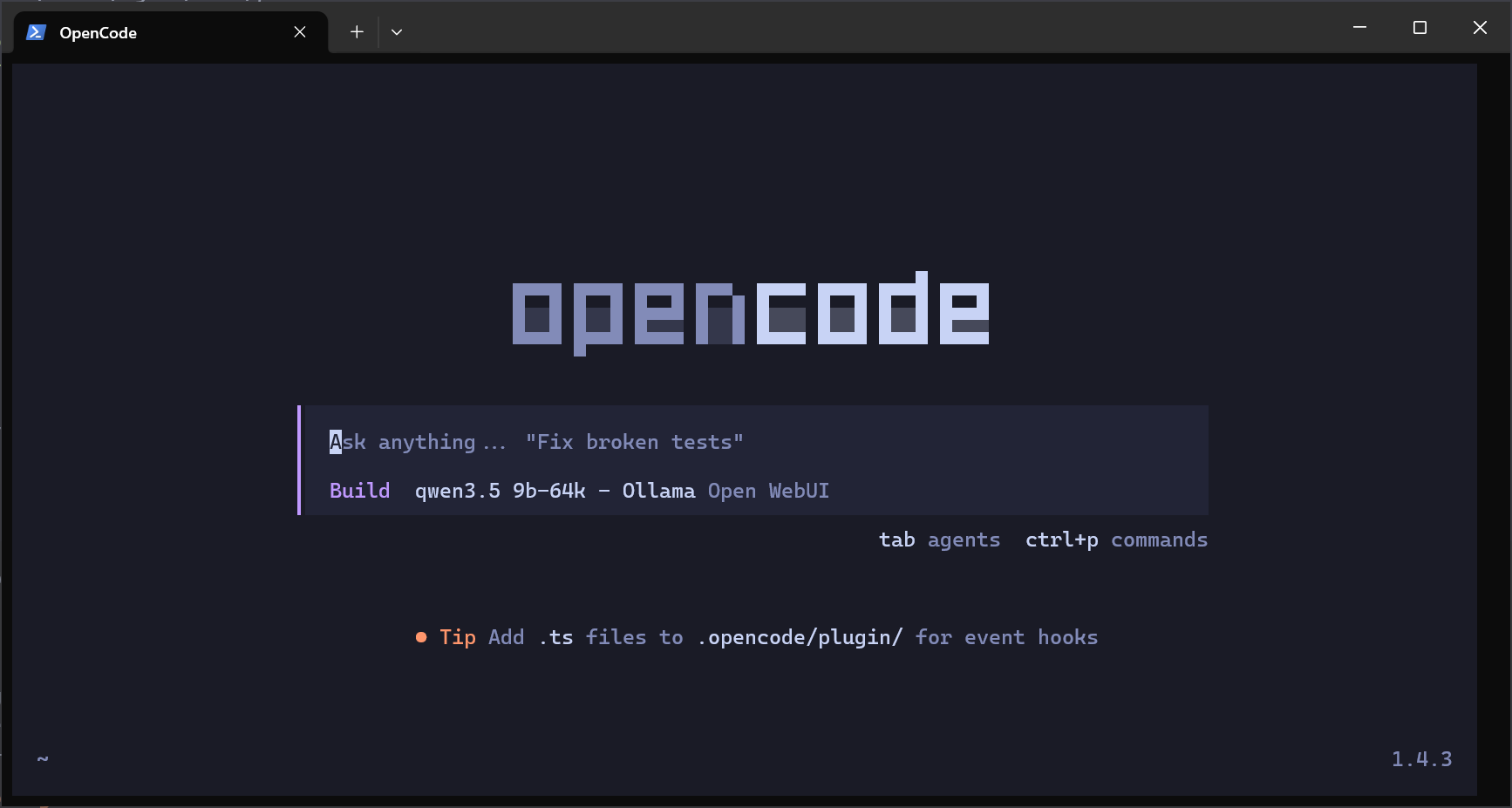 Opencode start screen
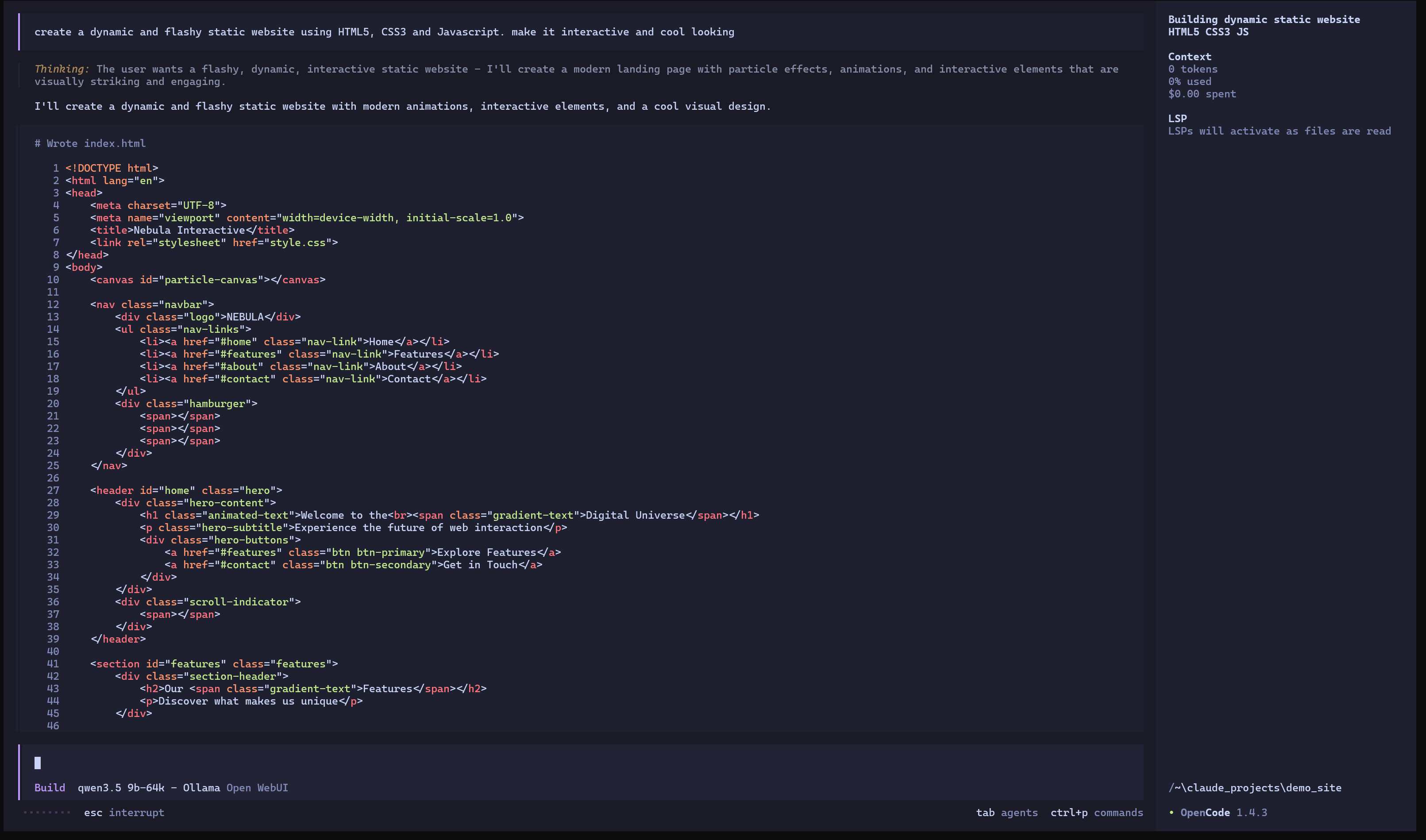 My initial prompt to build a flashy demo website
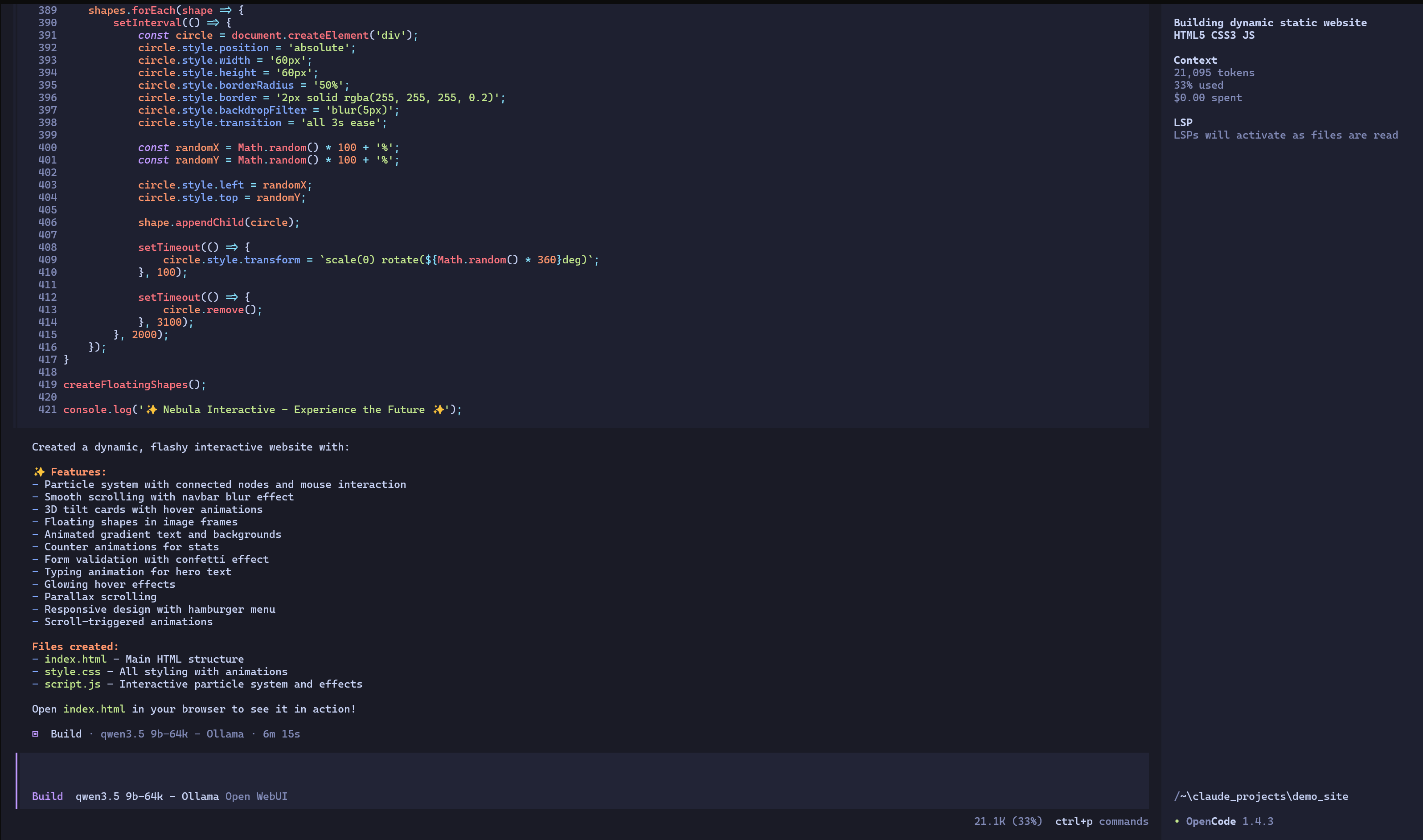 First sprint of building website finished
My first prompt was to build the website, and my second was to add containerisation functionality by creating appropriate Dockerfile and Docker Compose files. It's first attempt was to use node.js to serve the static site, I thought this was a bit overkill and asked it to rework the container to use nginx instead.
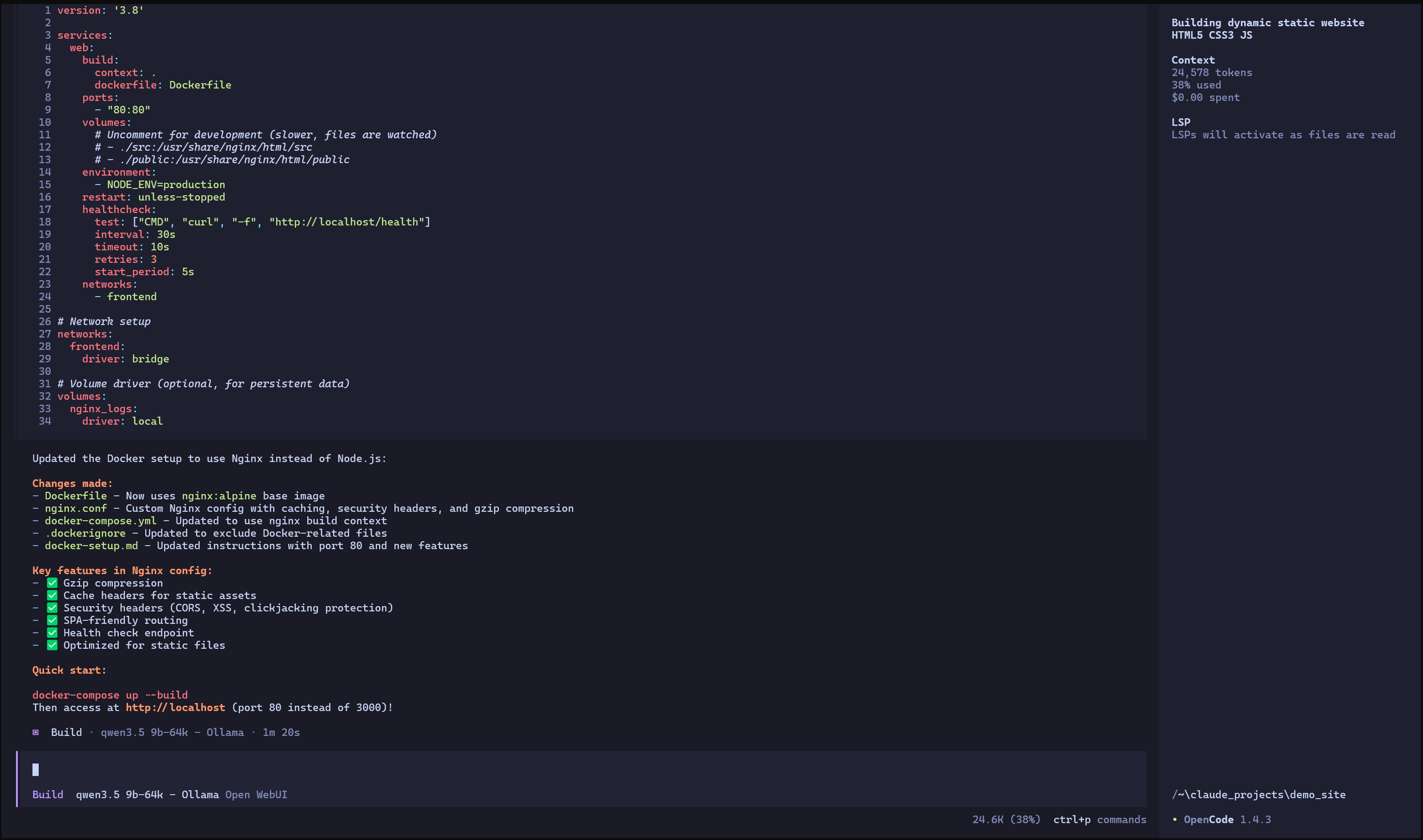 Second sprint finished
All up it took less than 10 minutes of processing time and about 24.6k tokens. You can find the static site it produced here.
Isn't all this new AI tech fancy!
© 2026-04-17 Kuso Technology